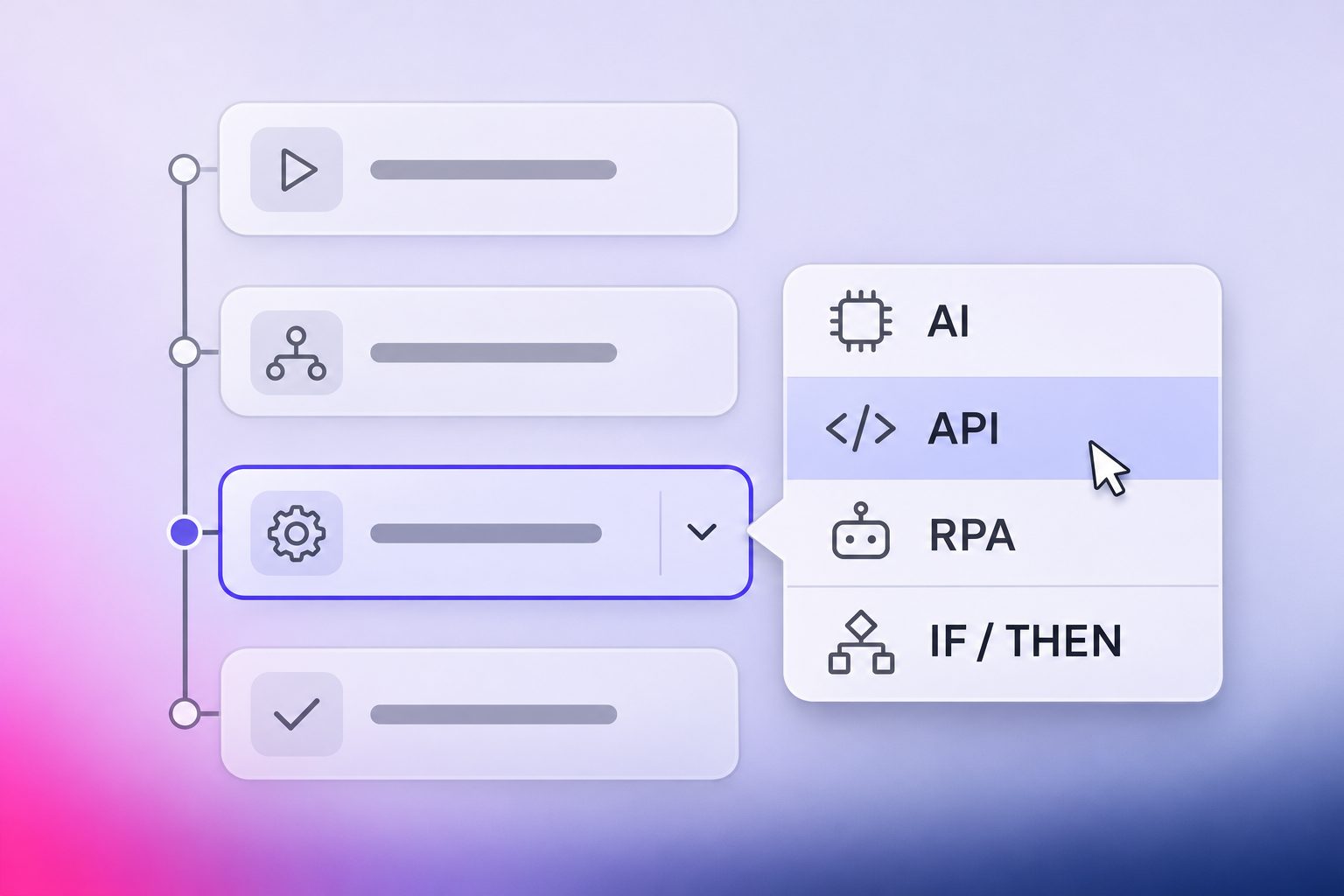
When organisations start automating a process, they usually ask which technology to use for it: RPA, AI or an integration between systems. That question is hard to answer for a whole process, because a process is a chain of separate actions. Handling a repair request or checking a purchase invoice easily involves ten of them, and reading an email asks for something very different from creating a work order.
So we ask the question for each action instead. This article explains what each of the four technologies is good at and how we decide which one a step needs. If you are considering an AI agent that runs the whole process on its own, read AI agents in business processes: when to use them and when not to first.
What AI, APIs, RPA and rules are each good at
Almost every administrative process can be automated with a combination of four technologies. Each one is strong at a different kind of work and each has a weak spot you need to plan for.

AI reads input that has no fixed form, such as an email, a PDF or a photo, and works out what it says. An API is a direct connection to a system that lets the automation read and write data without opening a screen. RPA is a software robot that works in an application the way an employee does, with the mouse and keyboard. A rule is a decision written down in advance, such as "a leaking boiler is paid for by the housing association".
Most processes need two or three of these and many need all four.
How to choose the technology for each step
To choose a technology, we look at each action in the process separately and ask two questions.
The first question is what the action does. Some actions need to understand or decide something, such as working out what a tenant is asking for. Others need to do something in a system, such as creating a work order.
The second question depends on the answer to the first. For an action that understands or decides, we ask whether a fixed rule can capture the outcome. If it can, we use a rule. If the input is free text, a document, a photo or a phone call, or if the decision needs context, we use AI. For an action that does something in a system, we ask whether that system has a usable API. If it does, the API is our first choice because it is fast and stable. If it doesn't, an RPA robot does the work on screen.
Two adjustments apply on top of that. In processes with high volumes or strict audit requirements, we keep the AI step as small as possible. And when an action needs up-to-date data, an API is almost always better than reading it from a screen.

When a fixed rule is enough and when you need AI
Many decisions in administrative processes look like judgement calls, but once you write down how the team actually makes them, they turn out to follow fixed rules. Who pays for a repair, which approval route an invoice takes and which team picks up a ticket are all decisions the organisation has already made for every situation it recognises. That knowledge usually sits in a policy document, a price list or the head of an experienced employee.
A rule can take over a decision when two things are true: the possible outcomes are known in advance and the information needed to choose between them is already available as data. The rule then gives the same answer every time, and every outcome can be traced back to the rule behind it. That helps as soon as an auditor or a customer asks how a decision was made.
AI is needed when one of those two things is missing. Sometimes the information exists but not as data, because it sits in the text of an email, on a scanned form or in a photo of a leaking pipe. Sometimes the outcome depends on context that no list can capture, such as how urgent a complaint sounds. In both cases AI does the reading or the weighing, and it is worth checking whether a rule can take over straight after.
That combination is common. In the repair request from our article on AI agents, AI recognises a leaking boiler in the tenant's email, and the maintenance rules then decide that the housing association pays.

Plan for both sides to fail now and then. When AI is unsure what a request is about, the route should send it to an employee instead of guessing. And when the policy behind a rule changes, the rule has to change with it, so it helps when the rules sit in one place where the team can see them.
When to use an API and when to use RPA
Once the automation knows what to do, it has to do it in a system: create a work order, update an order or send a confirmation. That is where APIs and RPA come in, and the choice between them mostly depends on the system.
An API is the first choice whenever the system offers one that supports the action. It is fast, it handles large volumes without trouble and it doesn't depend on what the screen looks like, so a new version of the application rarely breaks it. It also returns current data straight from the source, which matters when the next step depends on that data.
The catch is that many systems don't have a usable API. Older applications often have none at all. In newer ones the API sometimes covers reading data but not the one action you need, or the supplier charges extra to switch it on. Building and testing a connection also takes time.
RPA works with any application an employee can use, including older systems and the portals of other organisations, and it can usually be set up without waiting for the supplier. Its weak spot is the screen itself. When a button moves or a field gets a new name after an update, the robot has to be adjusted. RPA is also slower than an API, which starts to matter at high volumes.
In practice the two often work side by side in one process. The automation reads data through an API and uses RPA for the single action that the API doesn't support.
Real example: invoice matching with fixed rules
Vijfhart trains IT professionals, and every course booking eventually comes back to them as a purchase invoice. Before the employee who approves those invoices can sign one off, they have to check if the original order exists, if the reference on the invoice is correct, if there is exactly one course request that matches it and if the amount matches the price registered for that course. Four checks in total and none of them is in fact difficult on its own. The trouble is the volume: there are hundreds of invoices a month and almost all of them turn out to be fine, so a lot of the work is opening invoices just to confirm that nothing is wrong with them. And when you run the same four checks for the two-hundredth time that month, a small price difference or the wrong order is easy to miss.
So where does this process land on the two questions? Each check compares something on the invoice with something that is already registered for the order, and the answer is always yes or no. That makes all four of them rules, which means the process needs no AI at all. In practice, an invoice that passes every check is approved and its order is updated. An invoice that fails one goes to the right employee for review. After each run the team also gets an email with what went through and what still needs a look, so they only open the invoices that actually need them.
Signs your process is ready for automation
Some processes are worth automating and some aren't, and the ones that are don't all need the same technologies. Three signs help you judge both: whether a process is a good candidate and where each technology would go.
- The process happens often and mostly goes the same way. Automating a process takes work up front, because every step and every exception has to be mapped and tested. That work pays off when the process runs hundreds or thousands of times a month and most cases follow the same path, like the repair requests at a housing association or the course invoices at Vijfhart. A process that runs twice a year, or goes differently every time, rarely earns that investment back.
- Work arrives without a fixed form. Look at how work enters the process. If it starts with an email, a PDF attachment, a scanned form or a phone call, the information has to be read and understood before anything else can happen. That reading step is where AI belongs, and it is often the only place in the process where AI is needed. If the input already arrives as structured data, such as a web form or an export from another system, you may not need AI at all.
- Employees retype data from one screen into another. Watch for the moments where an employee copies a customer number from one application into another, or reads an amount in one system and types it into a second one. That is the work APIs and RPA do best. Where the system offers an API, the data moves in the background. Where it doesn't, an RPA robot does the copying on screen in the same way the employee would.
A process that shows all three signs is usually a strong candidate, and the signs themselves tell you which technology goes where.

Conclusion
The question "which technology should we use?" gets a better answer when you ask it for every step instead of for the whole process. Start by listing the actions the process consists of. For each action, decide whether it has to understand something or do something in a system, then check whether a rule can capture the outcome or whether the system has a usable API. The answers usually show that AI is needed in only one or two places.
Most of the work goes into that first list. Which actions a process really consists of and which of your systems offer an API is knowledge that sits with the people who do the work every day, and it rarely exists on paper.
This is where we can help. At Yarado we map processes together with the people who run them, split them into actions and work out which technology fits each one before anything gets built. You see up front where AI is worth paying for and where a rule or a system connection does the job more cheaply. YaraBuilder then turns that plan into a working automation, and you or our engineers approve each step before it runs.